
OVERTAKE keyboard controls
WASD to drive, F in Neutral to start, Q/E to shift. Auto clutch stays on unless you choose otherwise.
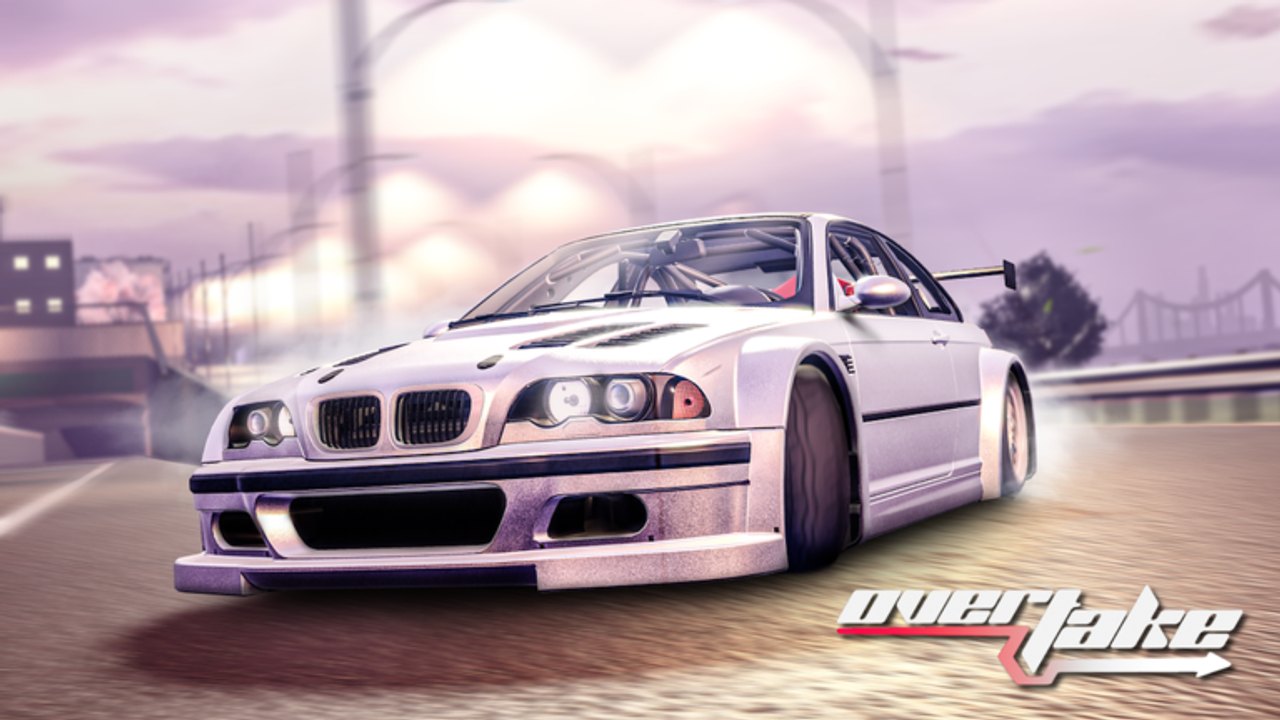
OVERTAKE expects a keyboard or a console gamepad. There is no mobile control scheme because mobile is not supported yet. If a bind “does nothing,” check the gear display before you remap. F will not start a car that is sitting in first at 0 mph. This page is the map. The stall drill sits on manual transmission. Camera and clutch toggles sit on settings.
The game launched 28 February 2025 on PC and reached Console the same season. Binds below match the official control block EMZ Games posted with that Console pass: drive, engine, gears, menu, camera, handbrake, look behind, radio.
PC keyboard map
| Action | Default key | Notes |
|---|---|---|
| Steer, throttle, brake | WASD | W is throttle, S is brake/reverse depending on speed, A/D steer. |
| Start / stop engine | F | Works in Neutral. If nothing happens, you are in gear. |
| Shift down / up | Q / E | Cycle including Neutral. Watch the HUD, not the engine note alone. |
| Clutch | Left Shift | Unused while auto clutch is ON (the default). |
| Game menu | R | Shop, garage, and settings live here if the left HUD hides. |
| Camera | C | Cycles chase, hood, and closer views. |
| Handbrake | P | Lot work and spin recovery. Do not hold it through an overtake. |
| Look behind | V | Hold to check a gap you just left. |
| Radio | X | Needs the 50 Robux Radio pass for the full toy. Silence is free. |
WASD is not optional “sim flavor.” Throttle while you shift. A dead throttle in Neutral is why people think F is broken after they already started the engine.
Engine and gears together
Default auto clutch is ON. You do not tap Left Shift to get moving. The sequence is Neutral → F → W → E. Never start in first. Never start in a tall gear from a stop. After a crash the gearbox often lands in a driving gear at 0 mph; that is a stall, not a deleted spawn. Q or E back to N, then F.
If you turn auto clutch OFF in settings, Left Shift becomes a real pedal. Do that after you can restart without thinking, not during the first getting started hour. Manual clutch in traffic is how people dump the overtake multiplier while staring at the HUD.
Camera, look, handbrake
C is the bind you change most. A high chase cam shows traffic two cars ahead. A tight hood cam looks faster and hides the gap that will close. For learning passes, stay on a view that shows both mirrors of the car you are overtaking. Switch in a straight, not in the hole.
V is a peek, not a driving mode. Hold it to confirm a near-miss cleared, then release. Driving on look-behind is how you meet the next bumper.
P locks the rear. It is useful to stop in the lot before you open Shop, and it is useful if you need to kill a slide after a clip. It is not a shortcut around braking with S. Handbrake overtakes in a 15-player server usually become crashes, and crashes reset the cash multiplier.
Menu, Shop, radio
R opens the game menu when the left buttons fail after a wreck or a lag spike. Shop still lives on the left for codes — Codes is a tab, not a key. There is no “redeem” bind. If Shop ignores clicks, hop the 15-player server rather than rebinding R.
X toggles radio. The Radio gamepass is 50 Robux. Without it, X may do little or nothing useful. Do not buy it before you can start the engine. Custom Color is a 30 Robux Shop product, also not a key.
Console notes
On Console the same actions exist on the gamepad: throttle/steer on sticks, face buttons for engine and camera, bumpers or d-pad for gears depending on the current mapping. The logic does not change. Neutral still starts the car. Auto clutch still defaults ON. You still cannot play this title on a phone.
If a Console session swallows chat or the Shop tab, press the menu equivalent of R, close extra panels, and reopen Shop. Codes still paste from a keyboard if you have one attached; on a pure pad you may need to pick characters in the on-screen field. That is slower. It is not a different code list — see how to redeem.
When a key seems missing
- Read the gear HUD. If it is 1, 2, or R at 0 mph, F is working as designed by refusing to start.
- Close Shop and radio overlays. A focused text field eats WASD.
- Check settings for auto clutch and camera before you invent a new layout.
- Hop once if the whole HUD is dead after a crash.
Rebinding in a panic is how people lose Q/E and then blame the Tuning update for a “broken gearbox.” Learn the stock map on a starter car from the starter list first. Packs on car packs use the same binds; a BULL Devious still needs Neutral and F.
Frequently Asked Questions
Quick answers for highway runs, codes, and tuning.
What key starts the OVERTAKE engine?
F, and only after you are in Neutral. The full start sequence is on manual transmission.
What are Q and E used for?
Gears, including Neutral. Q down, E up. Combined with WASD they are the whole drive loop on getting started.
Do I need to press clutch?
Not by default. Auto clutch is ON. Left Shift matters only if you disable that toggle in settings.
How do I open Shop for codes?
Left HUD Shop button, Codes tab. R opens the menu if the HUD hides. Clicks are on how to redeem.
Is there a mobile control scheme?
No. OVERTAKE is PC and Console only. Mobile is not supported yet, so this table is keyboard and gamepad only.
What does X do?
Radio. The 50 Robux Radio pass is a Shop product, not a code. Learn how to overtake before you buy noise.