
OVERTAKE Driving settings and cash tools
Official toggles and boost math — not injectors, not overlays you have to paste.
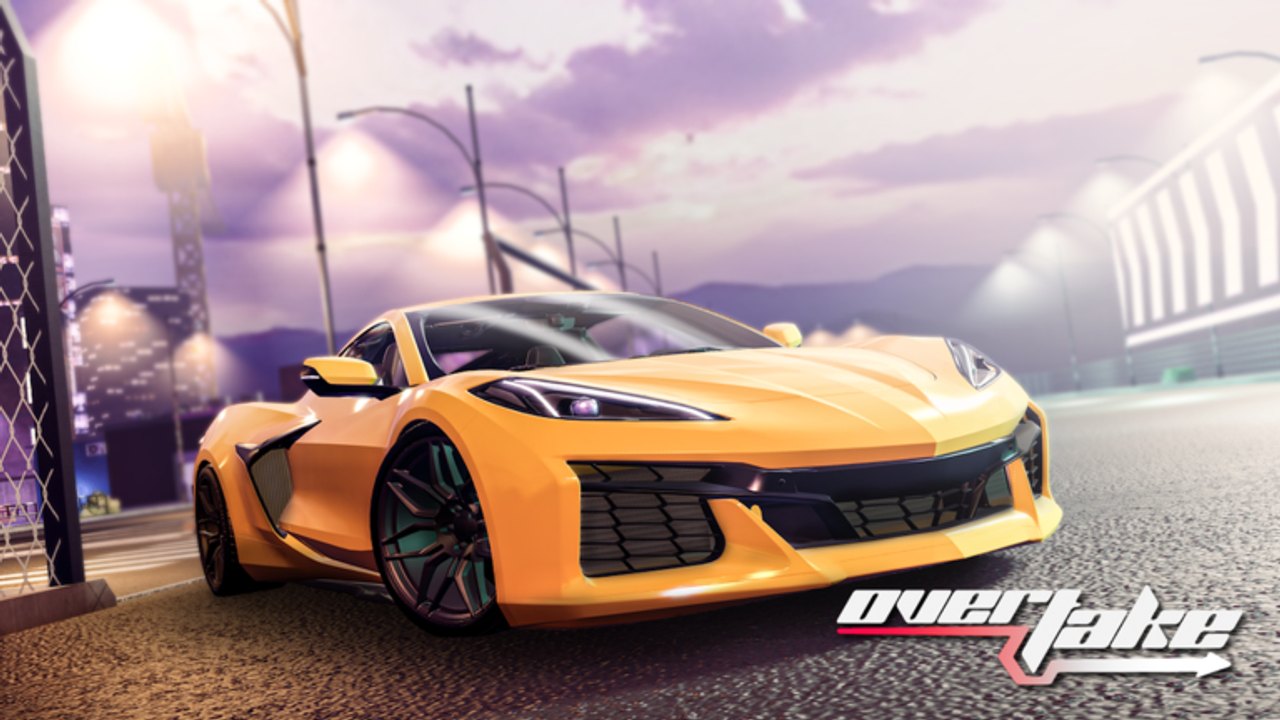
OVERTAKE’s useful “tools” are already in the pause menu. This hub is the map to those toggles and to the cash-rate calculator you should run before spending Robux. It is not a script shop. If you wanted an executor, that conversation ended on the scripts hub.
The live game is PC and Console, 15 players, live since 28 February 2025. Mobile is not supported yet, so there is no phone-quality preset to download. Everything here assumes a keyboard or a gamepad and the Tuning-era garage described in the updates hub.
Two child pages matter:
- Recommended settings — auto clutch, camera shake, particles, wind, radar, speed units, graphics, keybinds.
- Cash boost math — 10% group/Premium versus 50% VIP versus both, on a 100k code and on an hourly farm.
Use them with Getting Started and controls. A perfect sensitivity will not save a first-gear stall; manual transmission still owns that problem.
What counts as a tool on this wiki
Settings. Official sliders. They survive patches. They do not violate Roblox rules. They are the difference between a readable highway and a particle storm.
Boost math. The 10% and 50% rates are published on the experience page. Spreading them across a code grant and an hour of driving is how you decide VIP versus a pack.
Garage performance. Not a “tool” in the cheat sense, but the tuning tab is the legal speed slider. Pair it with upgrade priority.
Radar. OVERTAKE ships a radar toggle. That is your legal ESP. You do not need a client overlay to know a van is in the right lane.
What does not count
FPS unlockers, injected GUIs, “auto farm hubs,” and third-party overlays that read memory. Those belong in car client scripts as warnings. They are not recommended settings.
Macros that mash throttle from first gear fight the documented neutral then F start. Rebind inside the game before you fight the OS.
A 10-minute tools routine
- Open settings. Leave auto clutch on. Set speed units to what your brain already uses.
- Drop camera shake and extra particles until the next car is readable. Highway cuts are a visibility skill.
- Confirm radar is on if you still clip traffic you “did not see.”
- Redeem codes. Write the popup number down.
- Open cash boost math and compare that popup to the 10% / 50% / combined tables.
- Only then buy a part or a pass.
If you skip step 5, you will buy Custom Color (30 Robux) with money that should have waited for VIP.
Platform notes
PC. Keyboard binds for clutch, camera, and start (F) are the whole game. Do not leave debug overlays on in public 15-player servers; they steal attention.
Console. Same auto clutch default. Use the in-game bind screen, not a phone overlay. Console is supported; treat stick deadzones as part of how to overtake, not as a missing PC cheat.
Private servers. Settings still apply. Boosts still apply. Scripts still are not safer.
Change one setting at a time so you know which toggle saved a wreck.
Frequently Asked Questions
Quick answers for highway runs, codes, and tuning.
Where are OVERTAKE’s real tools?
In the official settings menu and on this hub’s settings and cash boost pages. Injected GUIs are covered only as warnings on scripts.
Should I turn auto clutch off to go faster?
Not until manual transmission is boring. Auto clutch is the default for a reason. Details live on recommended settings.
Does a settings preset replace VIP?
No. Settings do not add cash. Rates are 10% group/Premium and 50% VIP. Run the numbers on cash boost math before you buy VIP.
Is radar a cheat?
No. It is a shipped toggle. Client ESP is the cheat version, described on car client scripts. Use the official radar.
Can I use these tools on mobile?
OVERTAKE is PC and Console only. Mobile is not supported yet. Set up on a supported device using Getting Started.