
OVERTAKE guides
Spawn, unstall, overtake, cash, tune — one lesson per highway lap.
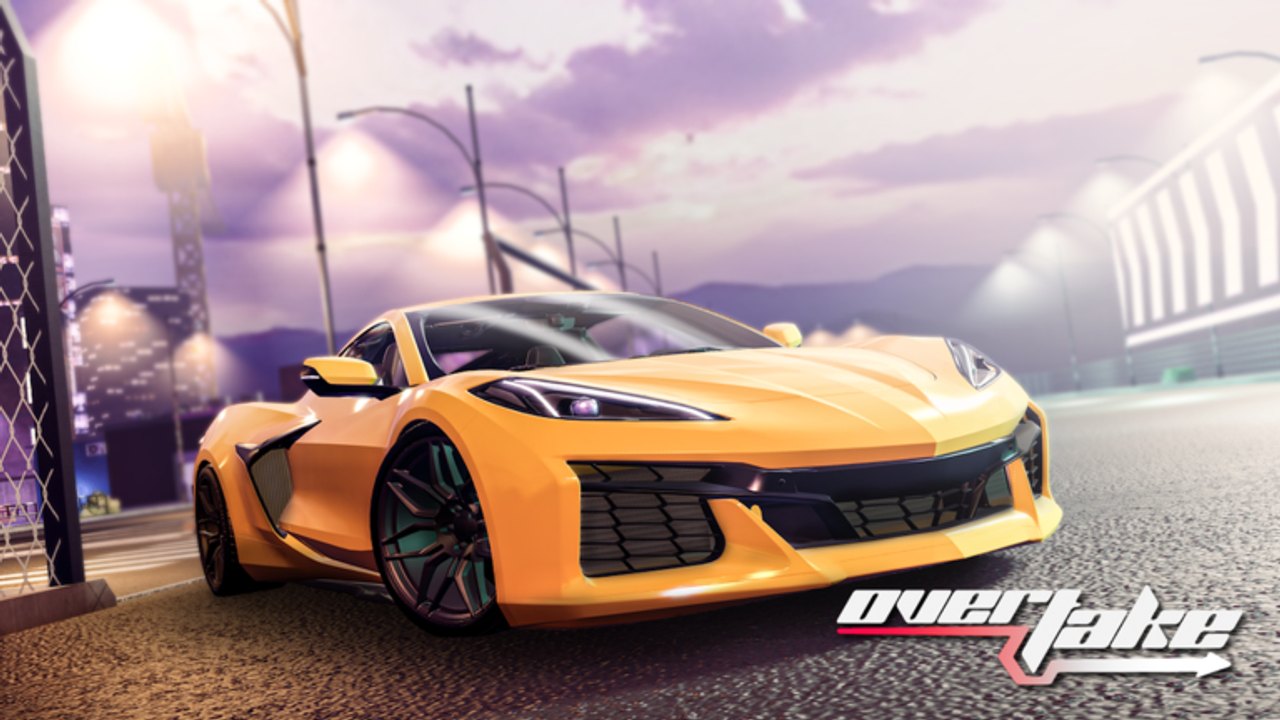
OVERTAKE is a no-hesi highway game from EMZ Games: 15-player servers, PC and Console only, mobile not supported yet. You spawn in a manual car, start it in Neutral, and weave traffic for cash. This hub is the reading order. Pick one page, finish a lap with that lesson, then come back. Do not open six tabs while the engine is stalled in first gear.
Released 28 February 2025, still marked in development by a mostly solo team, so menus move and cars get patched. The guides below track the live loop after the Tuning update: Shop codes, overtake multiplier, garage parts.
First session
Start with OVERTAKE getting started. That page is the first hour: join on PC or Console, recover a stall, claim codes, land one clean pass, and skip packs until the starter car restarts after a crash. If F does nothing, you are not in Neutral. If Shop has no Codes tab, you are on the product panel — how to redeem is the click path.
Hands on the keys
Print the keyboard controls table before you blame the car. WASD drives, F starts and stops the engine, Q and E change gears, Left Shift is clutch, R opens the menu, C cycles camera, P is handbrake, V looks behind, X is radio. Auto clutch is on by default. Pad players should open console controls and read Settings → keybinds instead of guessing Xbox maps from another racer.
Then read manual transmission. The official method is Settings → auto clutch ON, never start in first, Neutral + F + throttle + shift. That page exists because half of first-session chat is “my car is broken” when the car is in gear 1 at 0 mph.
Recommended camera and clutch toggles sit on settings. Change those in the lot, not mid-overtake.
The cash loop
How to overtake is the skill the game is named for. Clean passes raise a multiplier. Near-misses help. A crash resets it. Lift before the gap closes. A saved combo is worth more than a heroic squeeze into a barrier.
How to earn cash ties that loop to money: codes first, then multiplier farming, then the 10% group/Premium boost and the VIP 50% boost, tag, and 25,000 cash. Run the cash boost tool instead of guessing whether 500 Robux beats another hour of clean passes.
Garage after Tuning
OVERTAKE tuning is spend order in the garage the February 2026 update expanded. Handling before vanity top speed. Pair it with the upgrade path and the car tier list. Starter cars tells you what not to replace until you can restart after a wreck. Looks — rims, camber, wraps, paint, underglow — live on customization, not in the performance drawer.
Muscle Pack and JDM Pack are Robux shells (BULL Devious, CHARRIOT M8, a moderated JDM name) plus cash. They do not teach Neutral. Buy them after the guides above, not instead of them. Custom Color is 30 Robux. Radio is 50 Robux and still uses X.
Other hubs this set points at
Codes, including strings that still sit in the official description, live under codes. Patch history is updates. Players and passes are players. Tools are tools. Official Discord and group links are links. Client-side experiment talk belongs on scripts and car scripts, not in a driving lesson.
Read one guide per sitting. The highway does not grade you for wiki completion; it grades you for a multiplier that is still alive at the next interchange.
Frequently Asked Questions
Quick answers for highway runs, codes, and tuning.
Which OVERTAKE guide should I open first?
Getting started then controls and manual gears. Redeem codes before you buy a pack.
Why does my car refuse to start?
You are in gear. Shift to Neutral, press F, add throttle, then Q or E. Full drill on manual transmission.
Where is overtake technique versus cash math?
Technique is how to overtake. Payouts, boosts, and codes are earn cash.
Is there a tuning guide after the garage update?
Do these guides work on mobile?
OVERTAKE is PC and Console only. Mobile is not supported yet, so every control note assumes keyboard or gamepad, not a touch HUD.